






NZBGet Instellen met Hitnews
Stap-voor-stap handleiding
Stap-voor-stap handleiding
Wat is NZBGet?
NZBGet is een snelle Usenet downloader die speciaal is geoptimaliseerd voor hoge downloadsnelheden en lage systeembelasting.
Het programma werkt via een webinterface die bereikbaar is via je browser.
Hitnews Server Instellingen
Code:
Server: news.hitnews.com
Port: 563
SSL: Aan
Connecties: 100
Stap 1 – Download NZBGet
Download NZBGet via:
Stap 2 – Installeer NZBGet
Start het installatiebestand en volg de installatiestappen.
Stap 3 – Open NZBGet
Na installatie opent NZBGet in je browser:
Code:
http://localhost:6789Stap 4 – Open Settings
Klik op:
Settings

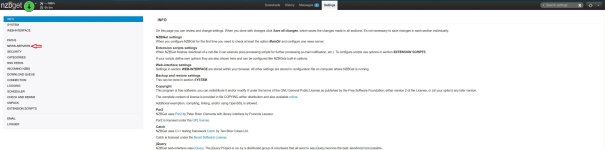
Stap 5 – Configureer News Server
Ga naar:
NEWS-SERVERS
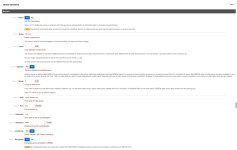
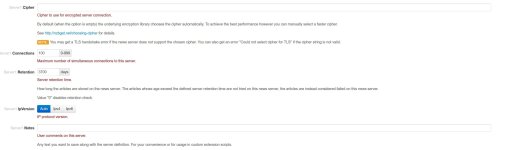
Vul in:
Code:
Host: news.hitnews.com
Port: 563
Encryption: Yes
Connections: 100
Username: jouw gebruikersnaam
Password: jouw wachtwoord
Stap 6 – Instellingen opslaan
Klik op:
Save all changes
NZBGet is nu klaar voor gebruik met Hitnews.
Laatst bewerkt: