
Using Usenet with Hitnews
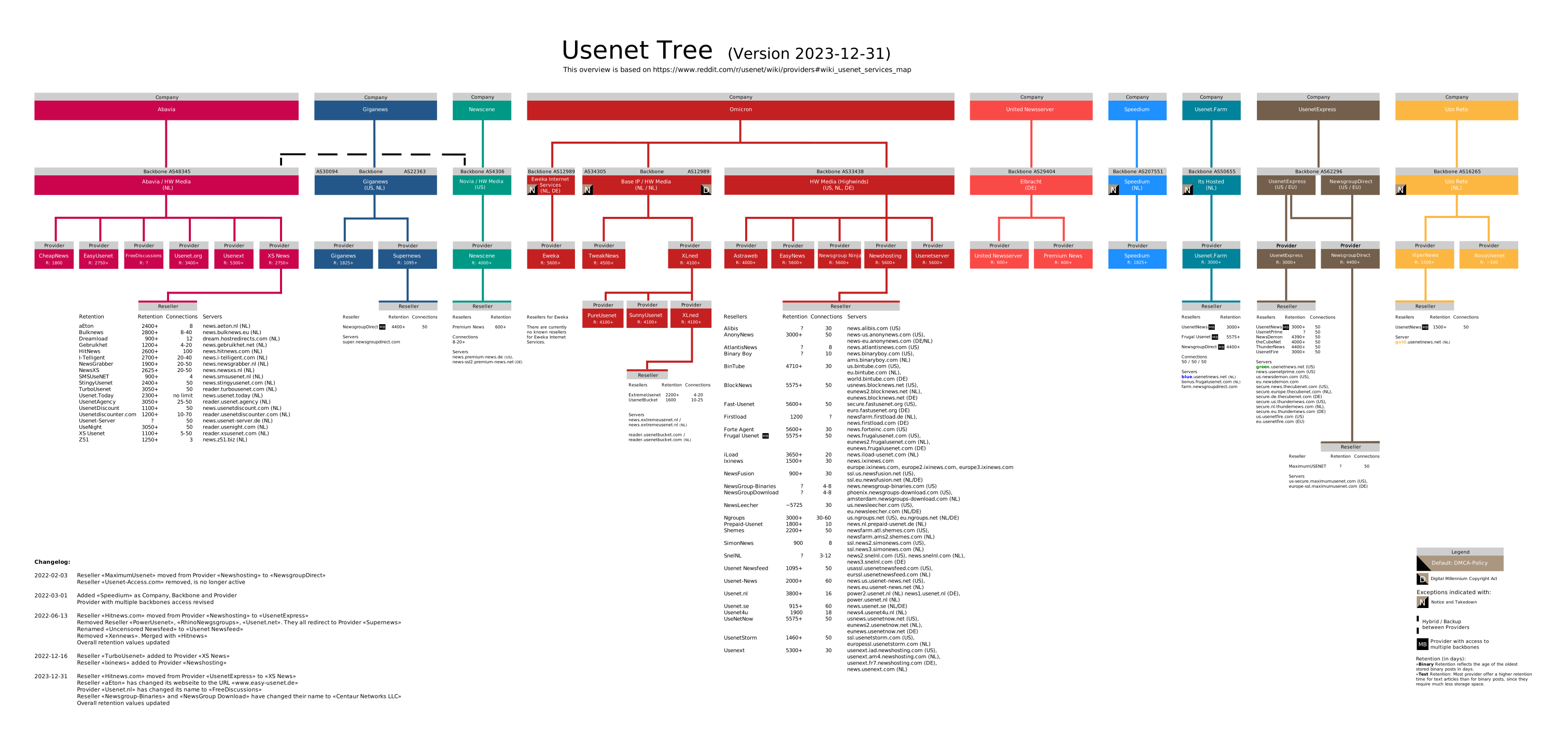
A Usenet provider gives you access to Usenet servers where posts and files are stored.
With a premium provider like Hitnews, you get fast, complete, and unlimited access to binary newsgroups — perfect for NZB downloading.
Why choose Hitnews?
Key benefits:
- High download speeds via multiple connections
- Very long retention (old files available)
- Unlimited downloads (no data caps)
- SSL encryption for privacy
- Fast EU servers (low latency)
Setting up Hitnews in your Usenet client
Step-by-step:
- Get a Hitnews subscription
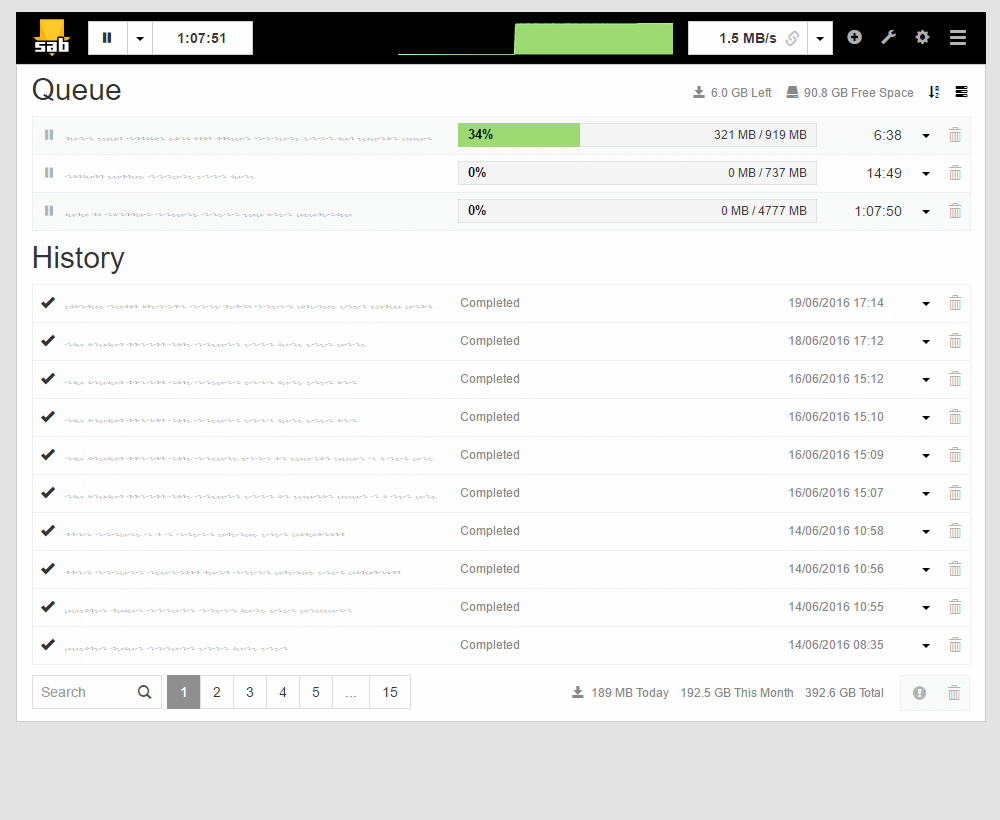
- Install an NZB client (e.g., SABnzbd)
- Add a server with your Hitnews details:
- Server/Host: (Hitnews server)
- Port: 563 (SSL) or 119
- SSL: Recommended
- Username + Password
- Connections: per plan
- Test the connection
- Download NZB files via your client
How Usenet downloading works

The Usenet workflow:
- Find an NZB via an indexer
- Open NZB in your client
- Client downloads from Hitnews servers
- Files are automatically unpacked
Summary
- Hitnews = premium Usenet provider
- Unlimited and fast downloads
- Long retention and SSL security
- Works with any NZB client
With Hitnews + NZB client + indexer you have full Usenet access.